
The Furnas County Court Calendar
Nebraska runs a statewide public calendar covering both County Court and District Court settings. Furnas County matters appear there. Think of it as a compact listing, not a full Register of Actions. A typical entry gives the case number, caption, date, time, and location. It adds whatever event wording the system supplies. Nothing more. That setting line reveals no transcript, order, or final outcome. Do not treat it as proof a case has ended.
Furnas has no separate juvenile court of its own. Statewide calendar categories sometimes list juvenile or separate-juvenile entries. Yet Furnas juvenile matters run through County Court, and they carry special access restrictions. Pick the court path that fits the case type instead of trusting a name search alone.
Furnas Court Calendar Portal
The official Nebraska statewide calendar lets you choose County Court or District Court, pick Furnas, and then search by date or by last name. A last-name search needs at least two letters. Because the portal is built for current and future settings, treat it as a date-finding tool rather than a substitute for the full case history.
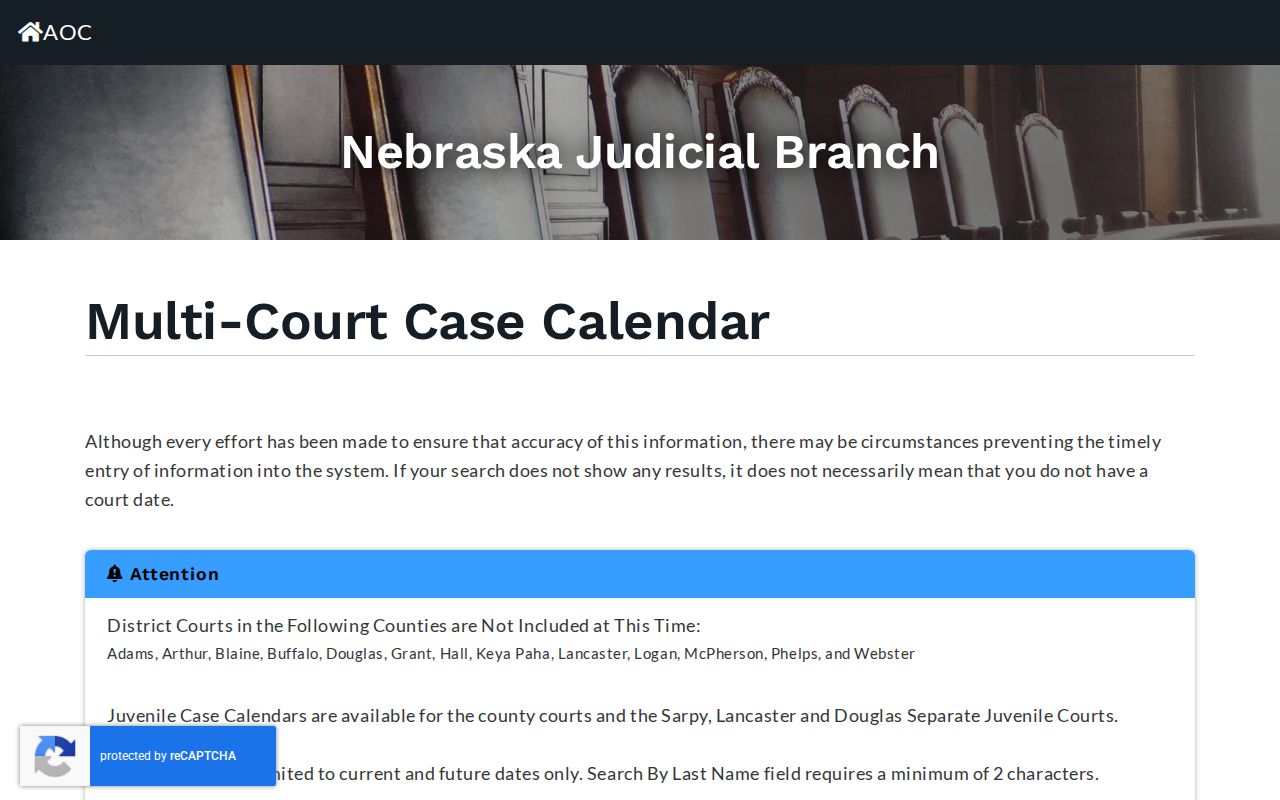
The court-selection controls matter more than they look. A search run in the wrong court path can miss a real Furnas setting. If the case type points to the other court level, start the search again there.
How to Find Your Court Date
Use more than one channel when a date affects travel or attendance. The calendar supplies the first public check. JUSTICE can show the wider Register of Actions for a known case. County Court and District Court clerks can confirm their own court's record by telephone or at the counter, and the free courthouse JUSTICE terminal is available during courthouse access hours. Nebraska State Library or participating law-school terminals may also provide a free public search route.
- Open the statewide calendar, select County Court or District Court, choose Furnas, and search by date or at least two last-name letters.
- Compare the case number and caption with the matter you are trying to locate.
- Use JUSTICE when available to check the case record and its latest Register entry.
- Call the responsible County Court or District Court clerk, or visit that court's counter or terminal, to confirm a time-sensitive setting.
- Ask whether the hearing is continued, remote, in person, or moved to a different listed location before leaving for court.
Furnas Court Date Searches
Search by date when the day is known. That works well for scanning that day's list. Search by last name when the date is unclear. A case number, if you have one, beats both methods, especially in JUSTICE or when calling a clerk. Match the caption and party role, too. That keeps a similar name from pulling you to the wrong calendar line.
| Furnas calendar search | Best use | Important check |
|---|---|---|
| By date | Known upcoming day | Confirm County Court or District Court first. |
| By last name | Date is uncertain | Enter at least two letters and compare the caption. |
| By case number in JUSTICE | Known matter | Review the latest Register entry and court level. |
Reading a Court Setting
A setting is simply a scheduled court event. The public calendar line for it carries limited information. The Register may add filings, continuances, or orders around that setting. Read every field displayed. Then treat the result as a prompt to confirm, not as a final outcome. When the location or event wording is unclear, ask the clerk who maintains the setting.
| Case number | The unique court identifier used to confirm the calendar line in JUSTICE or with a clerk. |
|---|---|
| Caption | The displayed case name. Check the party role when names are common. |
| Date and time | The scheduled setting, subject to later continuation or cancellation. |
| Location | The listed venue or courtroom information when the public calendar provides it. |
| Event | The hearing or setting wording. It is not a transcript, order, or disposition. |
Furnas Calendar Record Limits
A public calendar setting and a Register of Actions do different jobs. The calendar tells you when and where a matter is set. The Register gives the chronological history. Later entries there explain a continuance, order, payment, or closure. Even when an event label sounds final, a calendar line alone cannot prove the disposition.
Need the full history? Find the case number, use JUSTICE, or ask the responsible clerk for the public Register. A blank calendar result may reflect data-entry timing. It could also mean the wrong court, a spelling issue, or a recent change rather than the absence of a hearing. Repeat the search with the correct court and the two-letter name minimum. The one-time JUSTICE search also warns of a 24-hour entry lag. That lag is one more reason to verify a recent setting through the clerk instead of trusting one empty screen. When both Furnas courts have settings the same day, keep the results separate. The court field, case number, and caption identify the actual setting.
Resets, Continuances, and Cancellations
A continuance means the setting moved. A cancellation can wipe a calendar line without deciding anything about the case itself. These changes can land after a calendar search. So the most recent Register entry and a clerk confirmation matter most when a hearing is near. Never treat a prior setting as current once a later entry changes it.
The statewide calendar itself warns that data can be incomplete or delayed. Take that warning seriously. If a date is missing, check the correct court and name spelling. Then try JUSTICE with the case number. After that, contact the clerk rather than concluding that no hearing is scheduled.
Furnas Continuance Verification
When a case is continued in Furnas County, treat the old notice as suspect. Run the calendar search again near the new date. Check it against the latest Register of Actions entry. Then call the clerk and ask whether the setting will be remote, in person, continued again, or moved to a different location. A party with a lawyer should confirm through counsel as well. A stale notice that conflicts with a fresh setting is exactly the trap these checks prevent.
The Furnas District Court sits at the courthouse in Beaver City. Its district page warns that staffing varies, so call (308) 268-4145 before making the trip. The County Court page posts hours of 8:00 a.m. to 4:00 p.m. on weekdays. The state directory says 7:30 a.m. to 4:00 p.m. The two schedules disagree. A quick phone call beats a long drive.
What To Do If You Miss a Setting
Missed a setting in Furnas County? Call the clerk for that court right away. Give the case number, the court, and the date you missed. Then ask for the current Register of Actions status and whether a new hearing or other court action is needed. An old calendar line tells you nothing after a missed appearance. Do not lean on it. If a lawyer represents you in the case, contact that lawyer without delay too.
Missed a Furnas setting? A missed court date can have case-specific consequences, so confirm the case status with the responsible court promptly.
Use the court calendar and JUSTICE as checks, then call the County Court or District Court clerk for the current public setting information.
For advice about a missed appearance or how to respond to a court order, consult a licensed attorney.
Furnas Calendar Clerk Routes
Start your Furnas County docket search with the Furnas County phone directory. It routes calls to the right office. County Court Clerk Jennifer Raburn answers at (308) 268-4025. For District Court records, District Clerk Tiffany Burton answers at (308) 268-4015. When you call, offer the court level and case number, or a full name plus an approximate year. That way the request lands on the correct record.
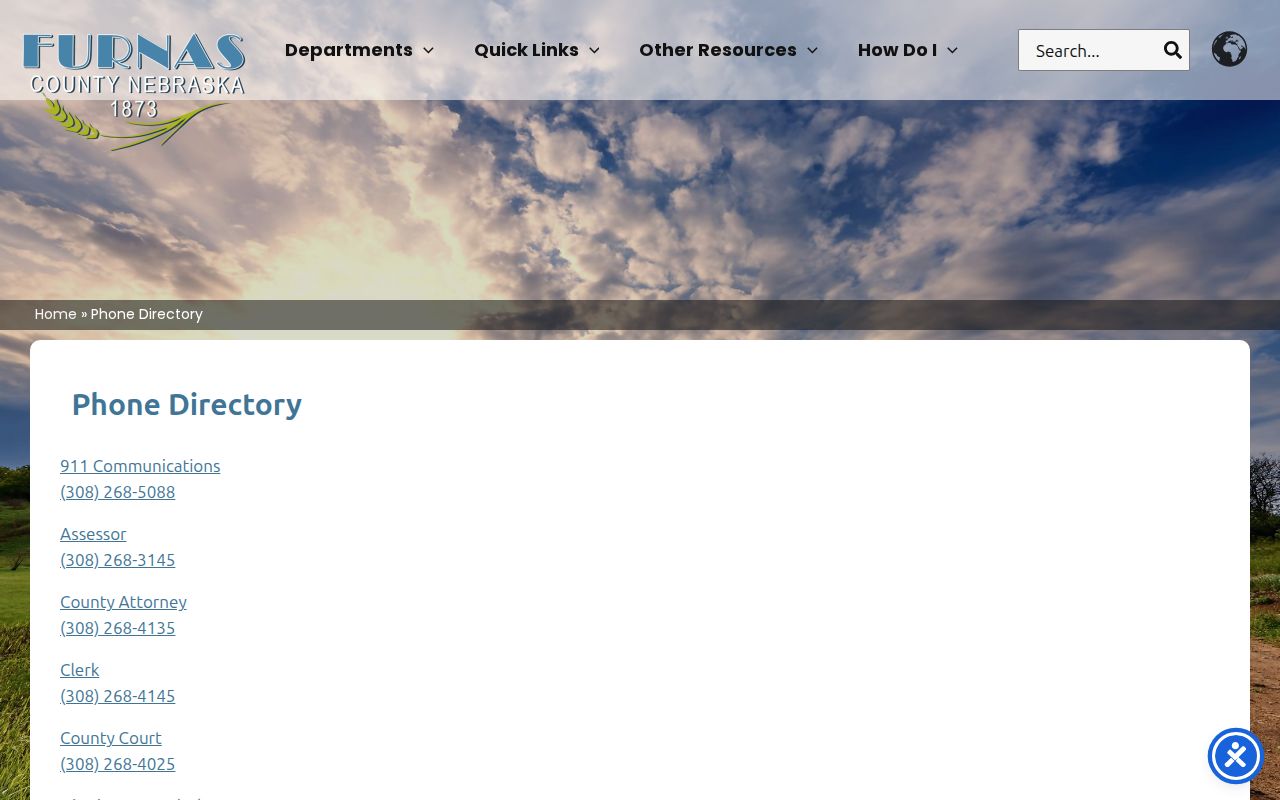
That directory is handy for routing a confirmation call. It does not replace the calendar or the Register of Actions as the official record of a setting.
Furnas Court Calendar Paths
The statewide calendar covers both Furnas County Court and District Court. But the two levels handle different matters. County Court takes traffic tickets, misdemeanors, felony preliminary hearings, small claims, probate, and civil cases within the current limit. District Court handles felony trials, larger civil cases, domestic relations, and protection orders. It also hears appeals from county court. Pick the level that matches the case stage before assuming an empty result means anything. The Judicial Branch Furnas County Court directory offers a second official place to check. It lists contact details and hours.
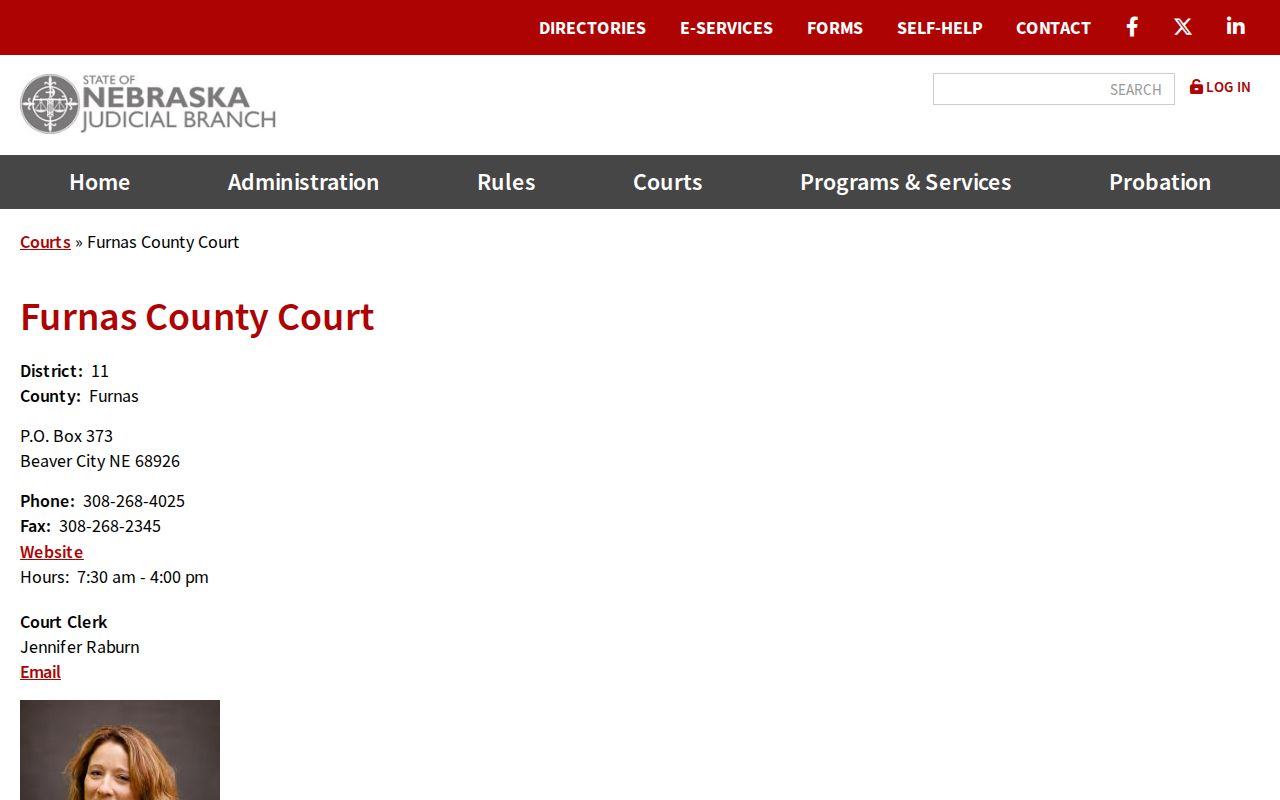
Use the state directory as a cross-check when calendar access shifts between the two courts.
Furnas District Calendar Travel
Furnas County sits in Judicial District 11. It is a regional court network. District 11's listed specialty program is the Midwest Nebraska Problem-Solving Court. Nothing in a general calendar search shows that any Furnas matter is assigned there. Do not guess specialty-court placement from a docket line. Confirm the case number and court record with the proper clerk instead. The Nebraska problem-solving court contacts list the District 11 regional program.
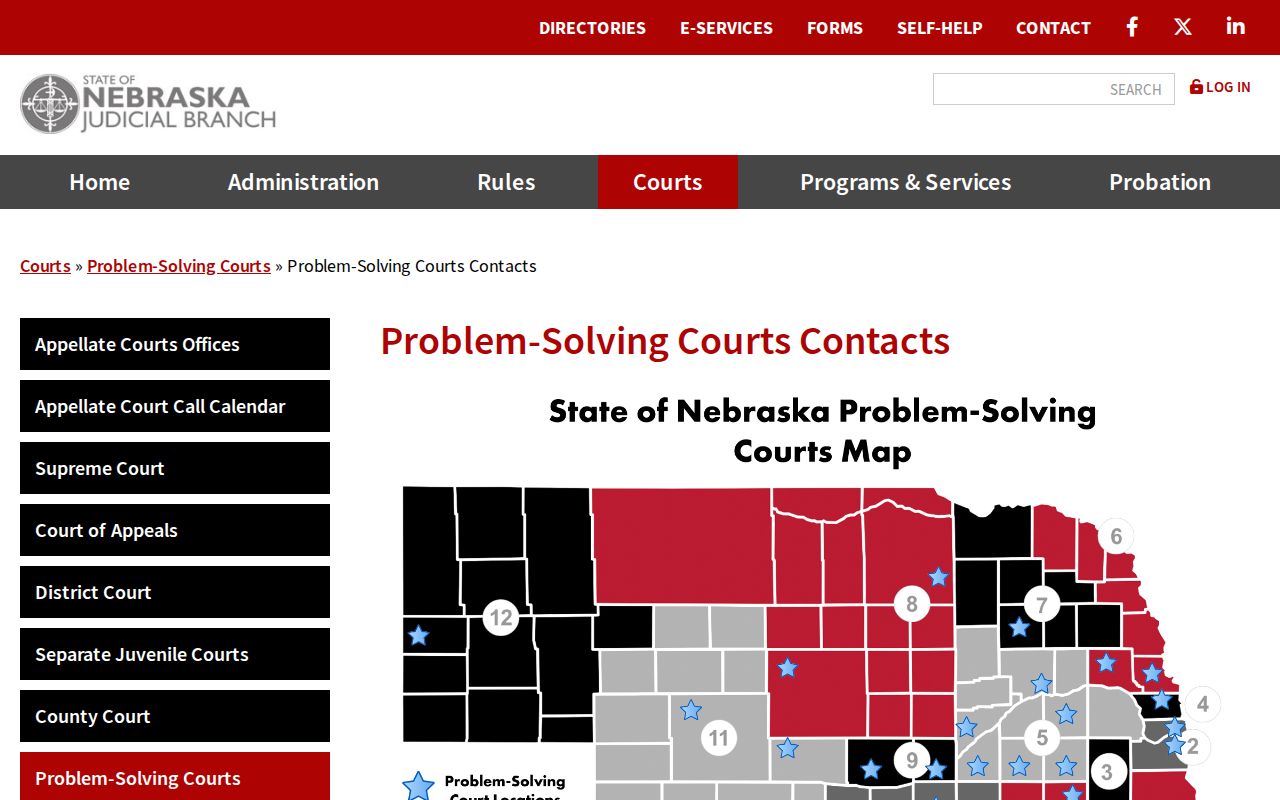
The regional listing gives the District 11 context. For an individual setting, the Furnas calendar and Register of Actions remain the sources to trust.
Furnas Court Calendar Viewing Limits
Furnas County offers no livestream and no video archive. Nor is there a remote-hearing link or automatic hearing-alert service. A public setting may still allow in-person attendance. Courtroom rules still apply. The calendar does not promise that a hearing is streamed or recorded. Recording, photography, and electronic participation all require court permission under the applicable rules.
If a setting goes remote or changes, ask the clerk directly. Hunting for an unverified public link wastes time. A docket entry is useful information. But it is not a live-access service, and no calendar search substitutes for a clerk's confirmation. The location field still helps you ask a sharp question about the venue, courtroom, or remote status. Get that answer straight from the clerk. That beats inferring it from a missing link or an old setting.